The video downloader built for editors.
Paste a link from YouTube, Vimeo, TikTok and more. Get an H.264 MP4 that drops straight into Premiere Pro, Resolve or Final Cut. No transcoding.
Super Downloads is a Mac app.
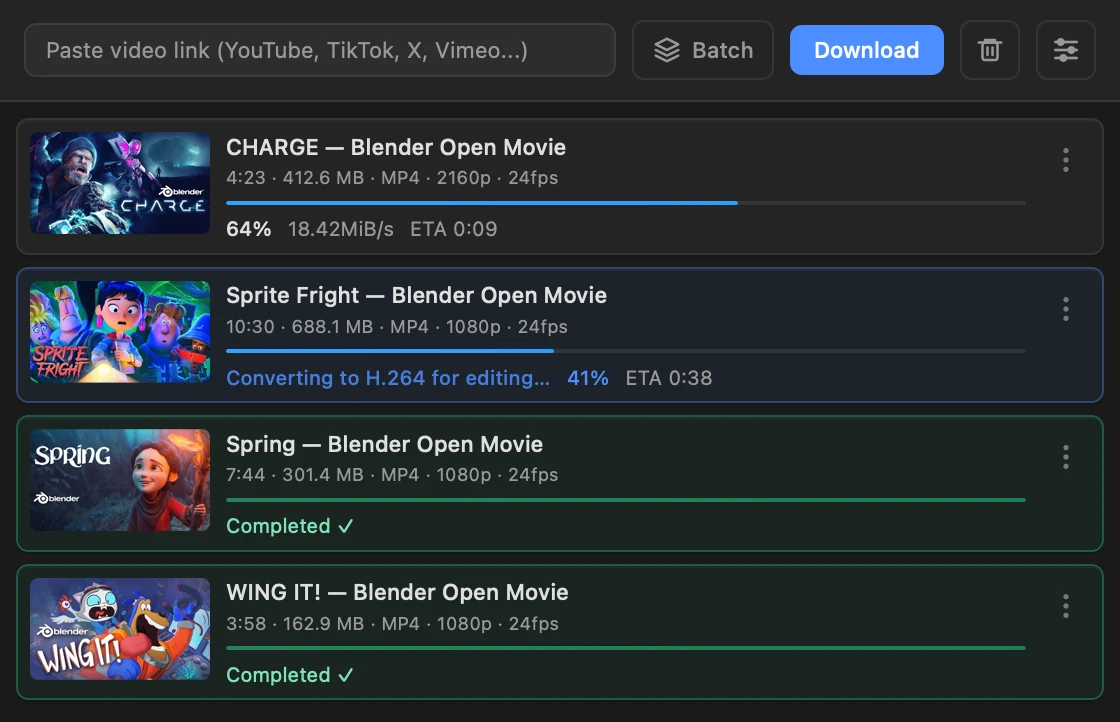
See it in 24 seconds
Copy. Paste. Done.
- Command CCopy a link in your browser: a YouTube video, a Vimeo reference, a client’s Instagram reel.
- Command VPaste it into Super Downloads. The download starts right away.
- Done. The MP4 lands in your save folder, ready to import.
Even faster: switch to the app and the link you copied is already there. Press Return.
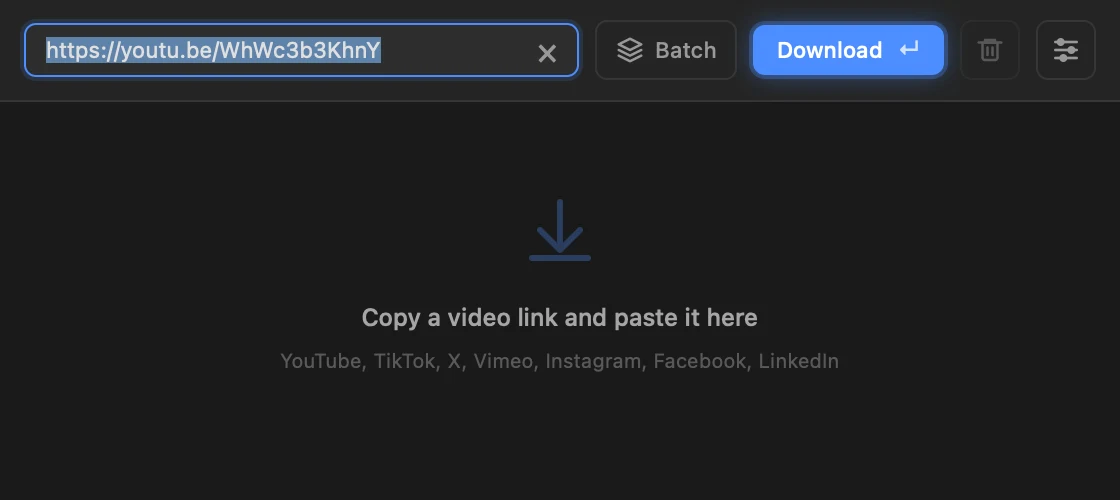
Files your NLE opens on the first try.
Every file is an MP4 that Premiere Pro, Resolve and Final Cut read natively. No transcoding step, no “unsupported codec” dialog.
- Video
- H.264. Kept as is when the source has it, converted on your Mac’s hardware encoder when it doesn’t.
- Audio
- AAC. Or audio only, as MP3.
- Quality
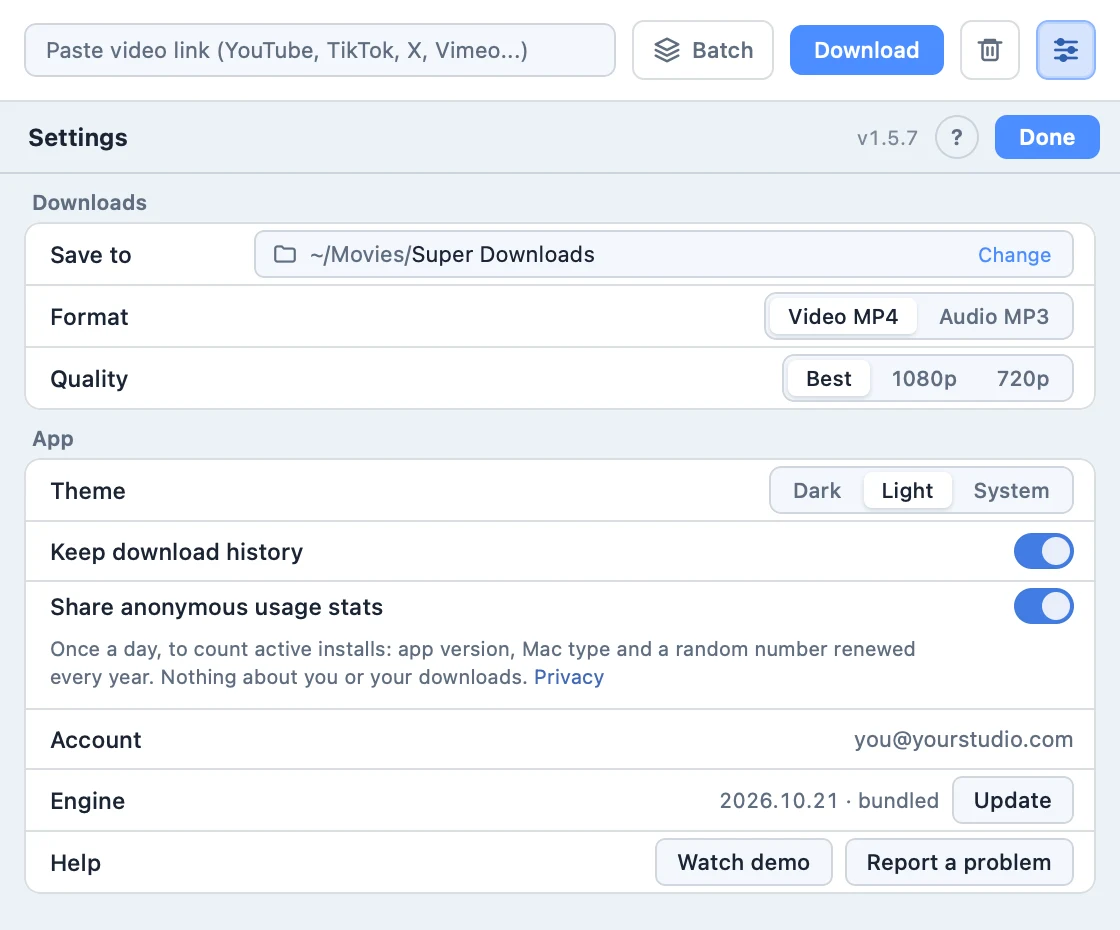
- Best (up to 4K), 1080p or 720p
- Container
- MP4
- Opens in
- Premiere Pro, DaVinci Resolve, Final Cut Pro
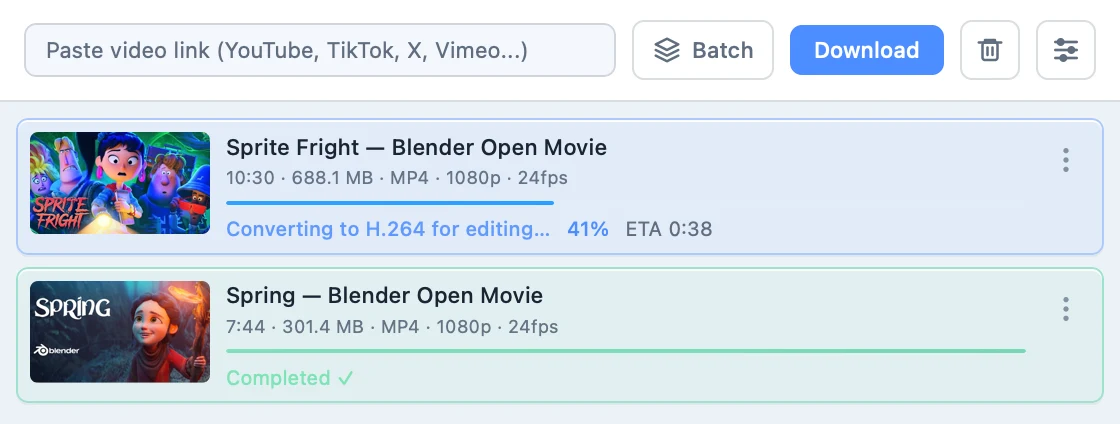
Pulling a whole reference board? Turn on Batch.
Press CommandB and keep browsing. Every video link you copy downloads automatically, even with the app in the background.
- Start, stop
- CommandB, or the Batch button
- Duplicates
- Skipped, along with anything that isn’t a video link
- Each launch
- Starts off, so nothing downloads by surprise
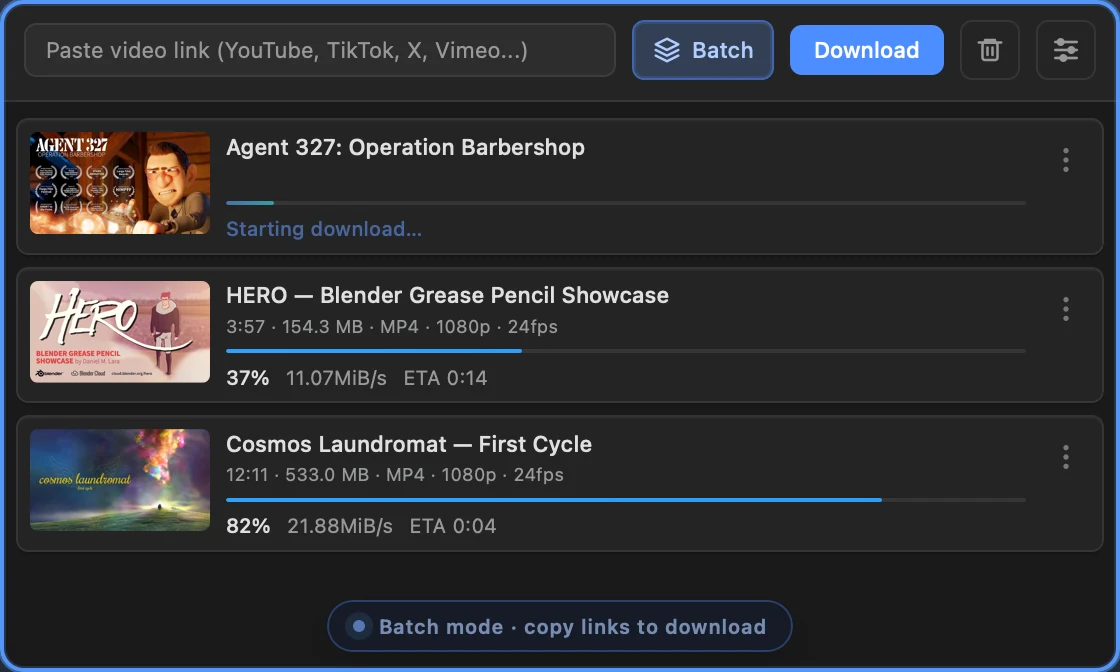
Keeps working when sites change.
Video sites change how they deliver video all the time. Super Downloads keeps up on its own, so a link that worked last month still works today.
- Engine
- Checks for updates every week and installs them itself
- App
- New versions install with one click
- Settings
- Save folder, quality and theme. Set once.
Seven platforms, one paste field.
For footage you own, have licensed, or that’s shared under Creative Commons.
No login needed
- YouTube
- Vimeo
- TikTok
With your browser login
- X
These sites change often. When one stops working, the weekly engine update usually fixes it.
- Runs on your Mac. Nothing is uploaded, and no download passes through our servers.
- Never sees your passwords. Signed-in platforms use the session already in your browser.
- Stops at DRM. If a video is copy-protected, the app tells you and stops. It never tries to get around it.
- Built on open source. yt-dlp and FFmpeg do the heavy lifting, with full credit in the app.

Get Super Downloads for Mac
Free, with unlimited downloads and every feature. Enter your email once in the app to activate.
Not sure which? Apple menu › About This Mac shows your chip.
Verify the download
Each file’s SHA-256 fingerprint. In Terminal, shasum -a 256 ~/Downloads/Super-Downloads_aarch64.dmg should print the same string.
- Apple Silicon
631e2fc13da6c74c3302d0f1e94a76805aaf26adb2acd29f5ef094d3df4a2512- Intel
a77bf0b365e0ab277a897c590dce9ed8c35b2e1043348aa4e802ba81493ea5b1
Your download has started. Three steps and you’re in.
Install in three steps
- Open the .dmg and drag Super Downloads into Applications.
- Open the app. macOS says it can’t verify it: the app isn’t notarized by Apple. Click Done.
- Open System Settings › Privacy & Security, scroll down to Security, click Open Anyway, confirm with your password or Touch ID and click Open Anyway once more. You only do this once; from then on it opens like any other app.
On macOS 14 or earlier, right-click the app and choose Open instead. If macOS says the app is “damaged”, paste this into Terminal:
xattr -dr com.apple.quarantine "/Applications/Super Downloads.app"Common questions
What is Super Downloads?
A native Mac app that saves online video as edit-ready files. YouTube, Vimeo and TikTok work without a login; Instagram, Facebook, X and LinkedIn work through your browser login, on a best-effort basis. Every file is an H.264 MP4 that opens in Premiere Pro, DaVinci Resolve and Final Cut Pro.
Is it free?
Yes. Free, with unlimited downloads and every feature. You activate it once with your email inside the app. No card required. If that ever changes, everyone who activated hears from us by email first.
How is it different from other downloaders?
Most downloaders hand you whatever the site serves, often VP9 or AV1 in a WebM or MKV file that your editing app won’t import. Super Downloads always gives you H.264 in an MP4, picks up the link you just copied, and keeps its download engine up to date by itself. No Terminal, nothing to configure.
macOS won’t open the app. Is it safe?
Yes. The app isn’t notarized by Apple, so macOS can’t verify it and blocks the first launch. You allow it once. On macOS 15 or later: open the app, click Done, then go to System Settings › Privacy & Security, scroll down to Security and click Open Anyway (it shows for about an hour after you try to open the app), confirm with your password or Touch ID and click Open Anyway again. On macOS 14 or earlier: right-click the app, choose Open, then click Open. The source code is public, and you can check your download against the SHA-256 under Verify the download.
What can I download?
Video you own, video you have licensed, video shared under Creative Commons, and anything else you are authorized to use: your own uploads, client footage, approved references. The app does not get around DRM: if a video is copy-protected, it tells you and stops.
What quality can I download?
Best (up to 4K), 1080p or 720p, plus audio only as MP3. 1080p and 720p are usually fastest, because most sites already offer them as H.264. When a source only has 4K as VP9 or AV1, Best converts it to H.264 with your Mac’s hardware encoder.
A site stopped working. What now?
Sites change how they deliver video all the time. The app checks for a new download engine every week and installs it on its own, which usually fixes it. To check right away, open Settings and click Update next to Engine. Still failing? Write to support@superdownloads.app with the link.