Press kit
Everything you need to write about Super Downloads. Use it freely in articles, reviews and videos. Questions: support@superdownloads.app.
Facts
- Name
- Super Downloads (two words)
- Tagline
- The video downloader built for editors.
- Platform
- macOS: Apple Silicon (macOS 12+) and Intel (macOS 10.15+)
- Price
- Free, unlimited downloads, no card
- Output
- H.264 + AAC in MP4, up to 4K; MP3 for audio only
- Sites
- YouTube, Vimeo, TikTok; Instagram, Facebook, X and LinkedIn with the browser login
- Website
- superdownloads.app · Release notes
- Contact
- support@superdownloads.app
Short description 50 words
Super Downloads is a Mac app that saves online video as edit-ready files. Copy a link from YouTube, Vimeo, TikTok, Instagram and more, paste it, and get an H.264 MP4 that opens in Premiere Pro, DaVinci Resolve and Final Cut Pro on the first try. Everything runs on your Mac.
Long description 142 words
Super Downloads is the video downloader built for editors. It is a native Mac app that turns a link into a file an editing app imports without complaint: always H.264 video with AAC audio in an MP4, at up to 4K, or audio only as MP3.
Most downloaders hand you whatever a site serves, often VP9 or AV1 in a WebM file that Premiere Pro won’t open. Super Downloads keeps H.264 when the source has it and converts on the Mac’s hardware encoder when it doesn’t.
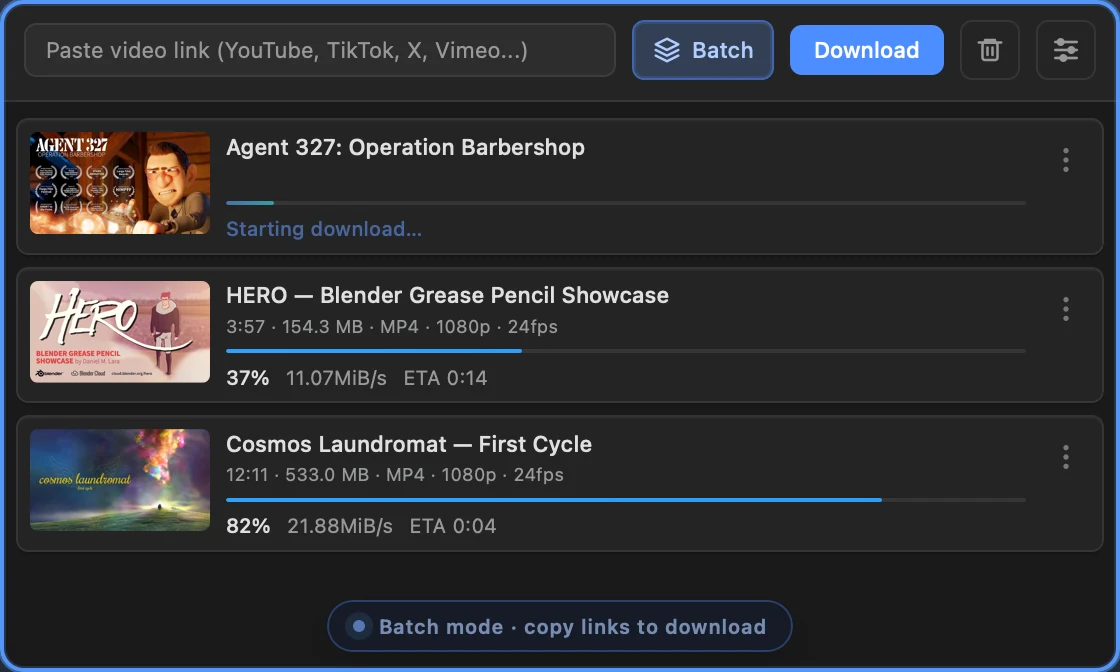
The flow is three steps: copy a link, paste it, done. Batch mode downloads every video link you copy while you keep browsing. YouTube, Vimeo and TikTok work without a login; Instagram, Facebook, X and LinkedIn use the session in your browser. Everything runs locally, nothing passes through our servers, and the app stops at DRM.
Logo


App icon: SVG · PNG 1024 · PNG 512. Please don’t recolor, stretch or add effects.
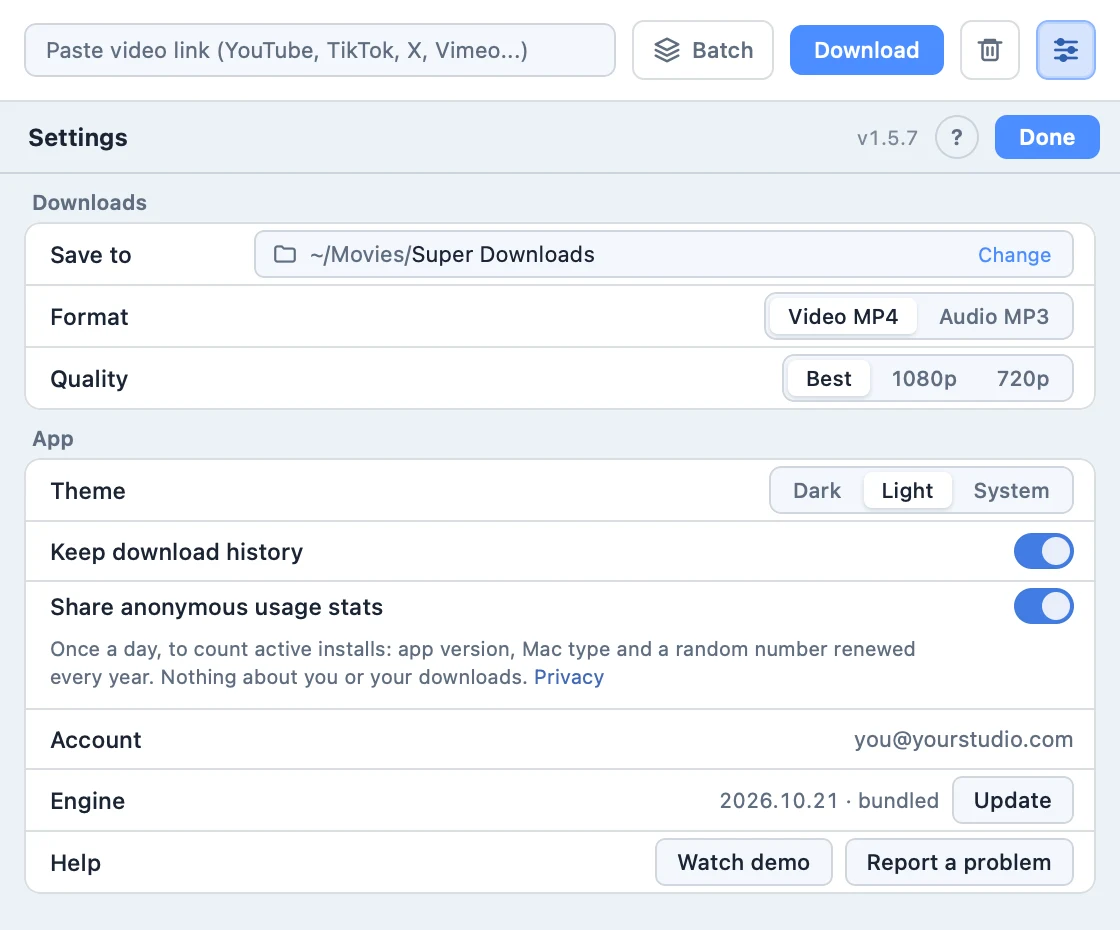
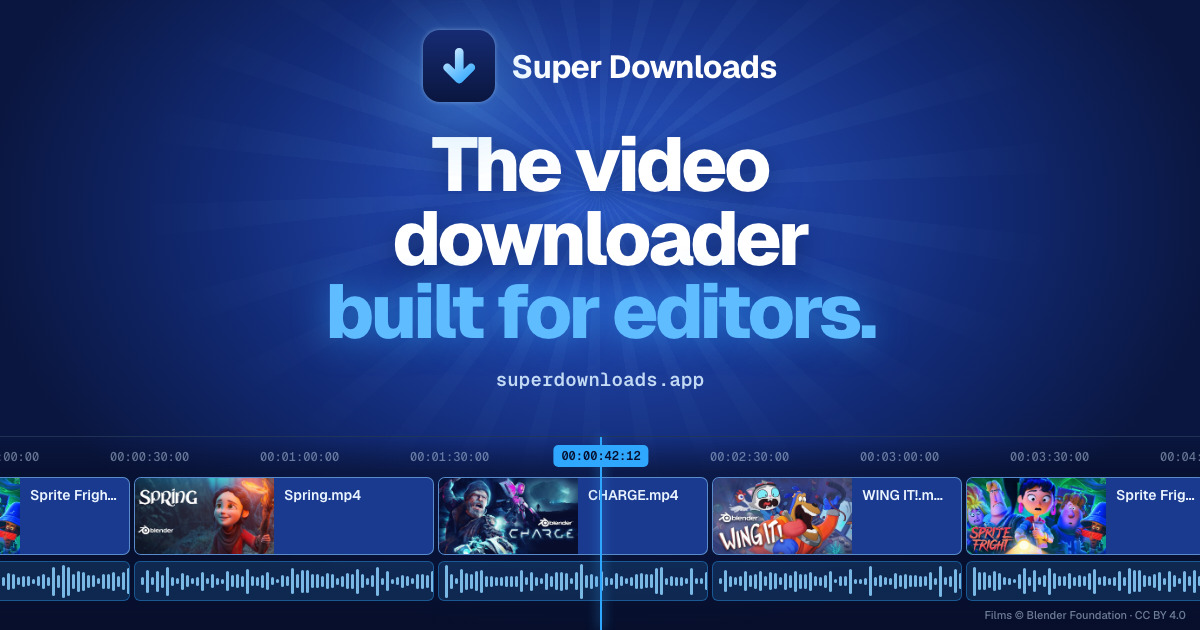
Screenshots
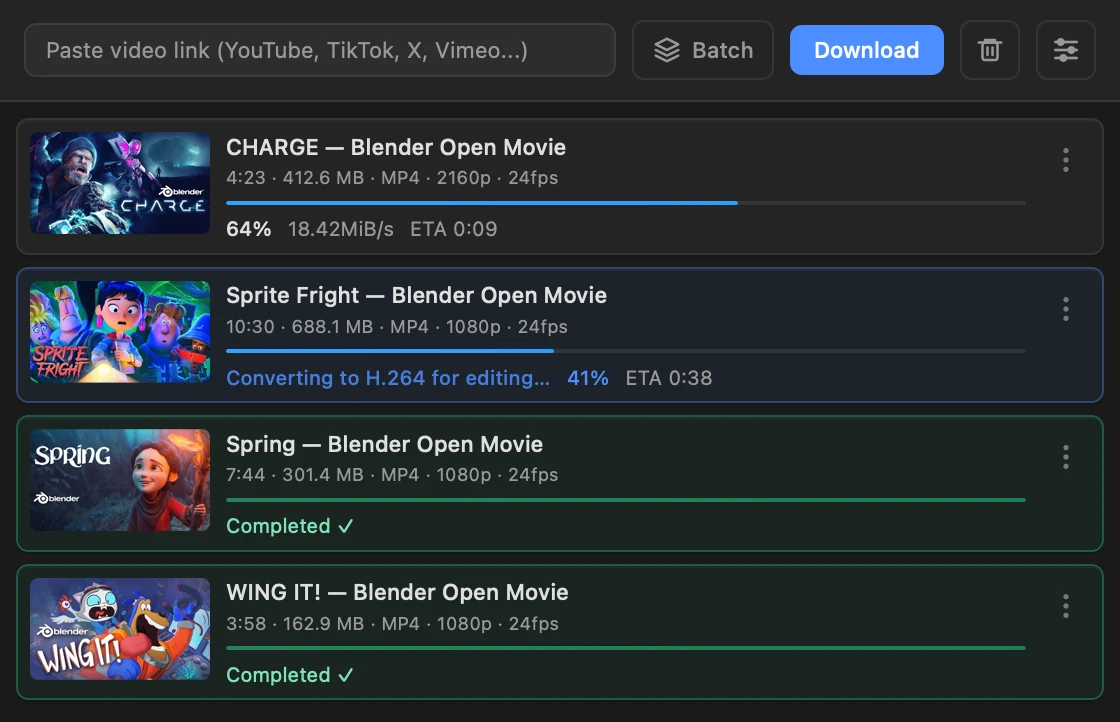
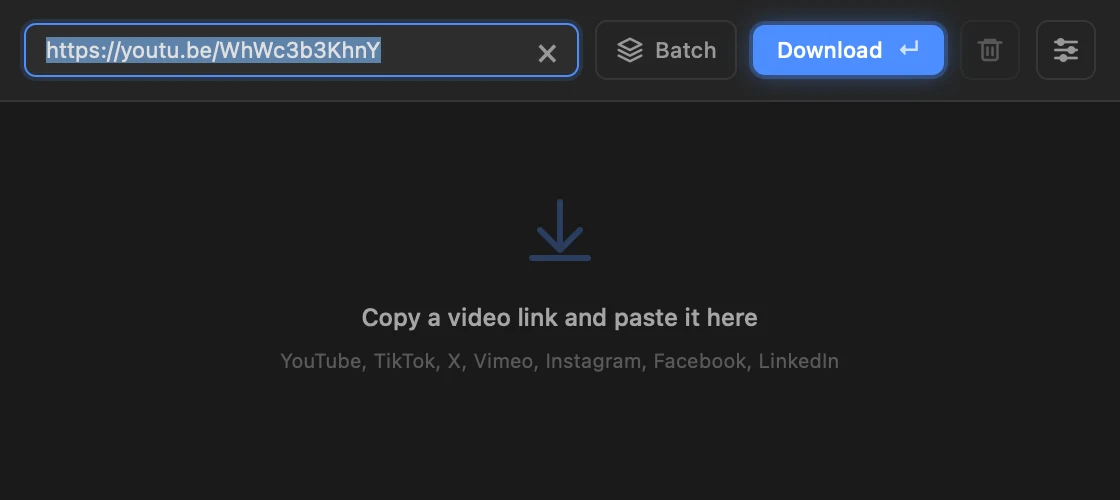
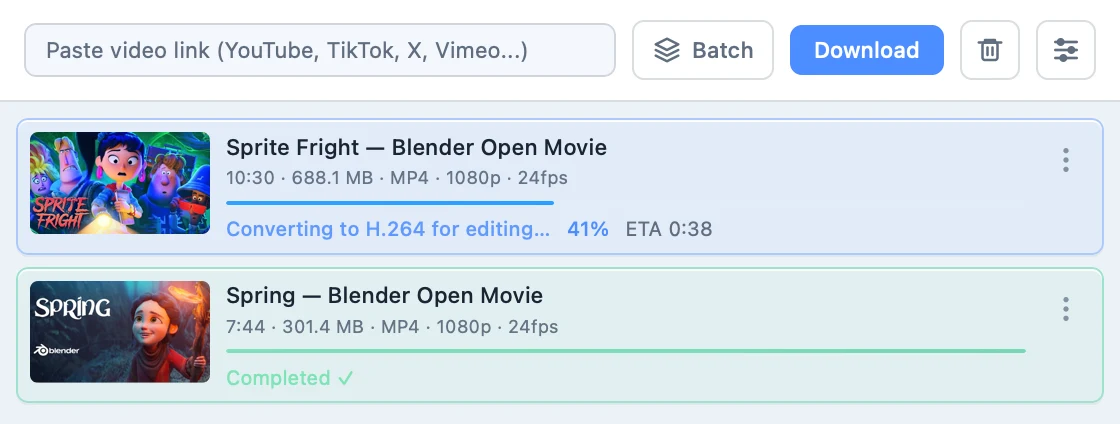
The real app, 1120 px wide. Footage: Blender Studio open movies, CC BY 4.0 by the Blender Foundation.